這 [區域放大] action lets readers enlarge a specific portion of your flipbooks to see more details, rather than zooming the entire page. And it is also another way to make your books more interactive.
讓我們看看如何添加 [區域放大] action.
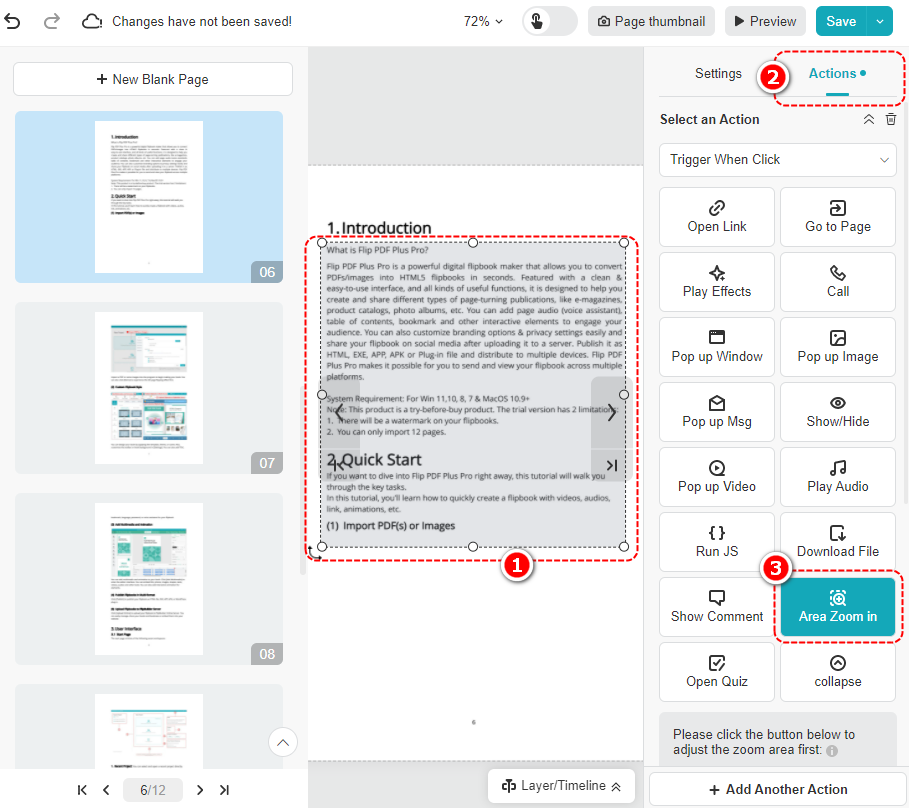
按一下元素 > 按一下 [行動] 在面板上 > 捲動尋找並點擊 [區域放大]
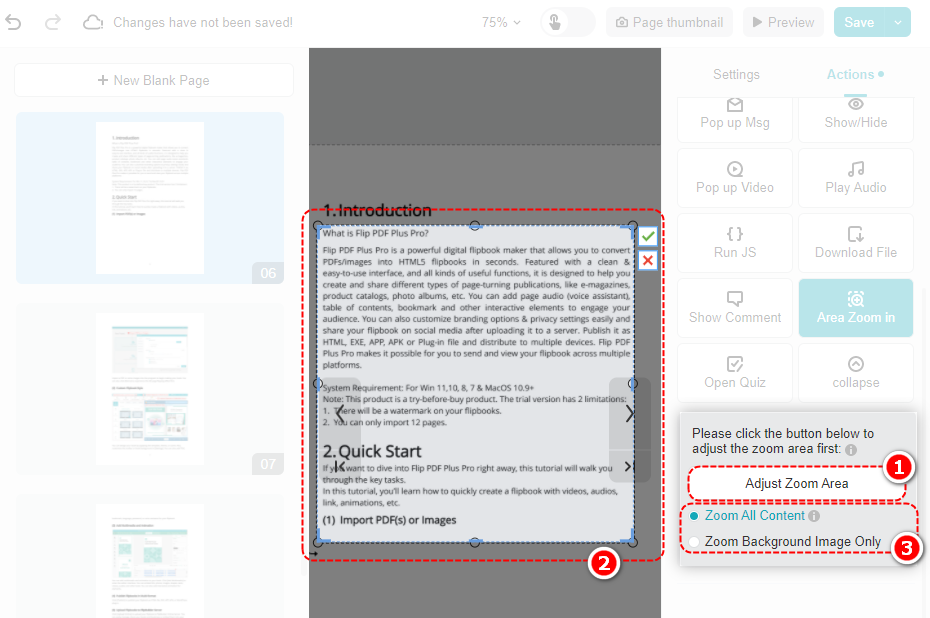
點擊 [調整縮放區域] > 調整畫布上的縮放區域框並點選 [✓] > 選擇 [放大所有內容] 要么 [僅縮放背景影像]
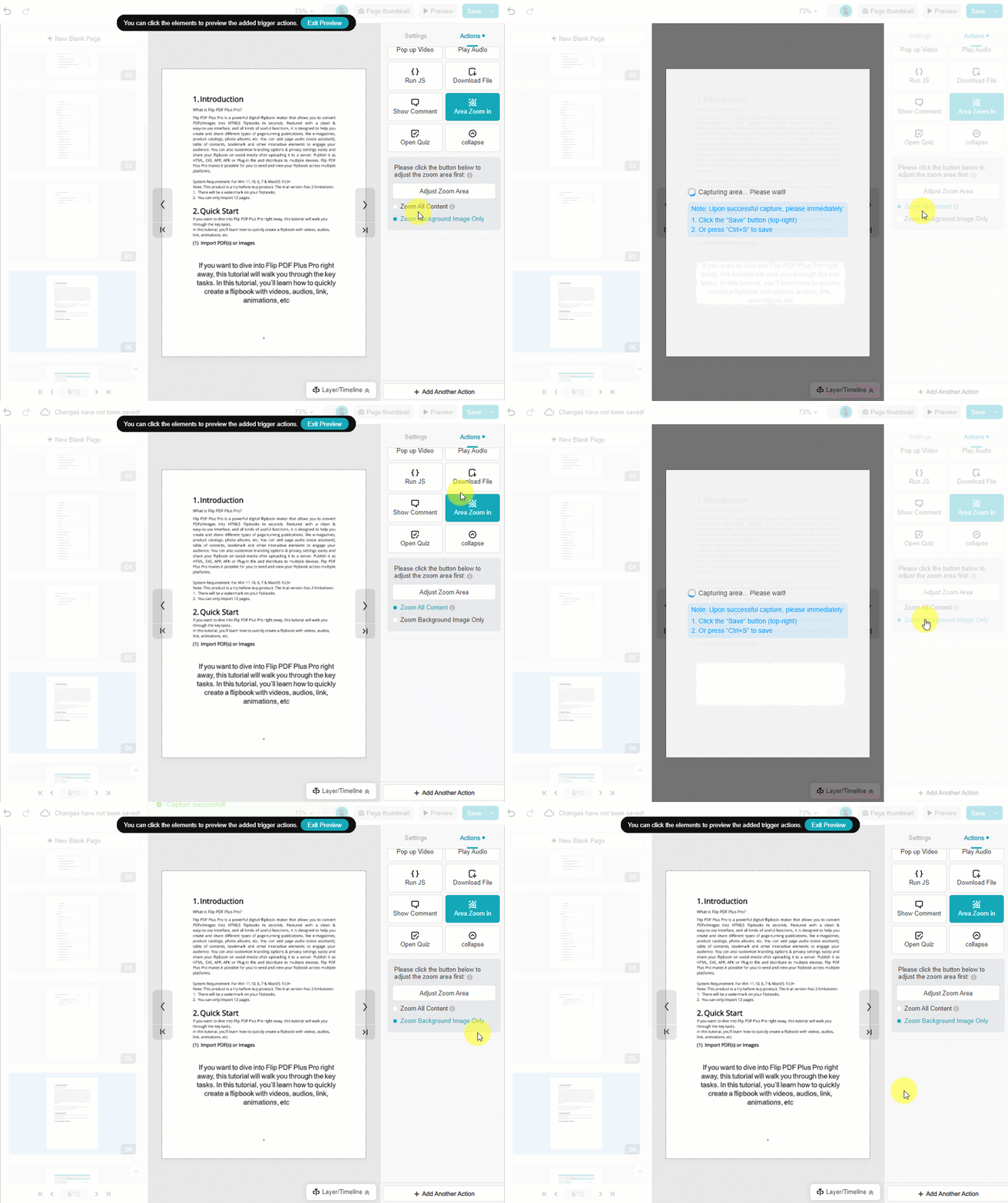
- [放大所有內容]: Zoom the captured area and see all the content of this area
- [僅縮放背景影像]: Only zoom and show the background of the captured area
它們的區別表現如下。
筆記:
- 以下元素不支援添加 [區域放大] 動作:音訊、視訊、電話、第三方嵌入、影像幀。
- 如果頁面內容更新,請重新調整區域以與最新內容同步。
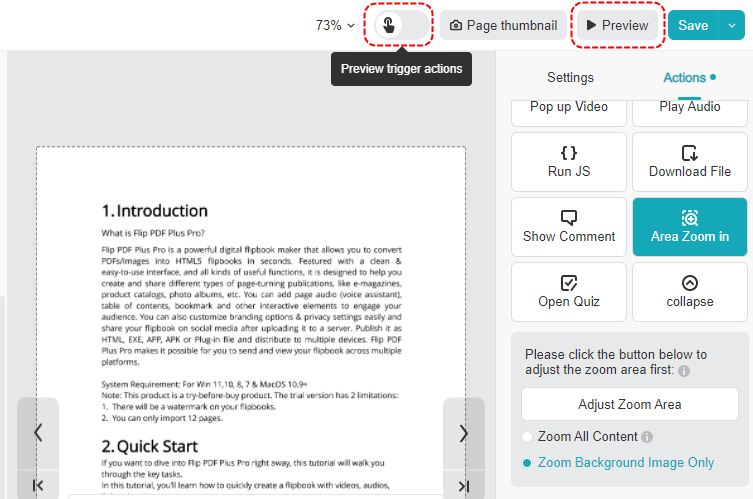
設定完成後就可以打開 [預覽觸發動作] 或點擊 [預習] 看看效果。