の [エリア拡大] action lets readers enlarge a specific portion of your flipbooks to see more details, rather than zooming the entire page. And it is also another way to make your books more interactive.
追加方法を見てみましょう [エリア拡大] action.
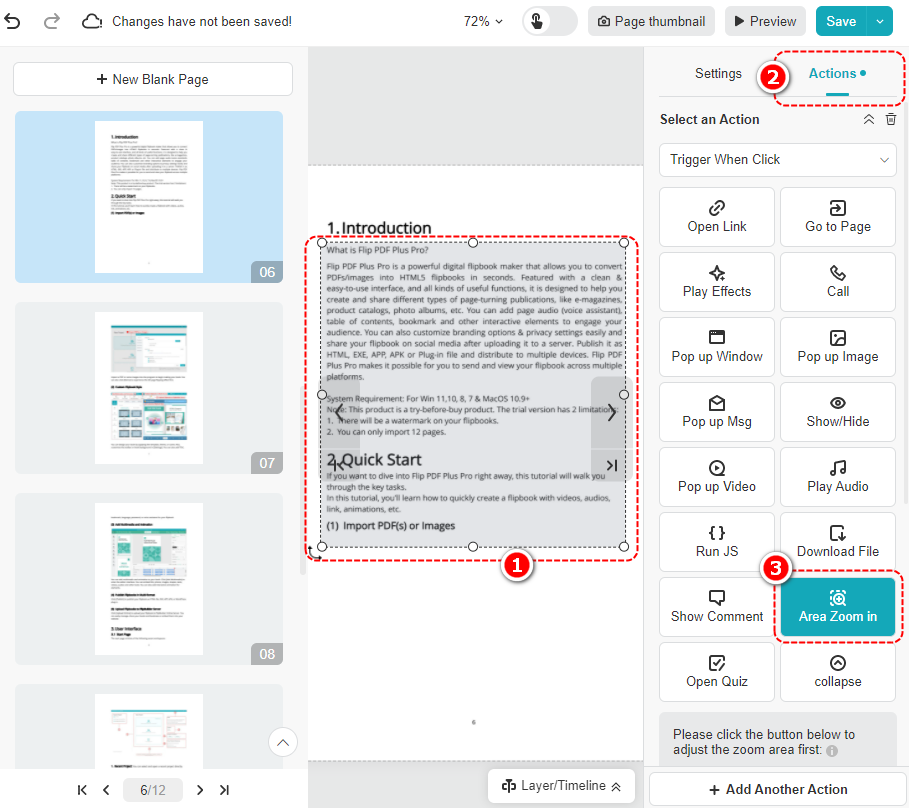
要素をクリック > クリック [行動] パネル上 > スクロールして見つけてクリック [エリア拡大]
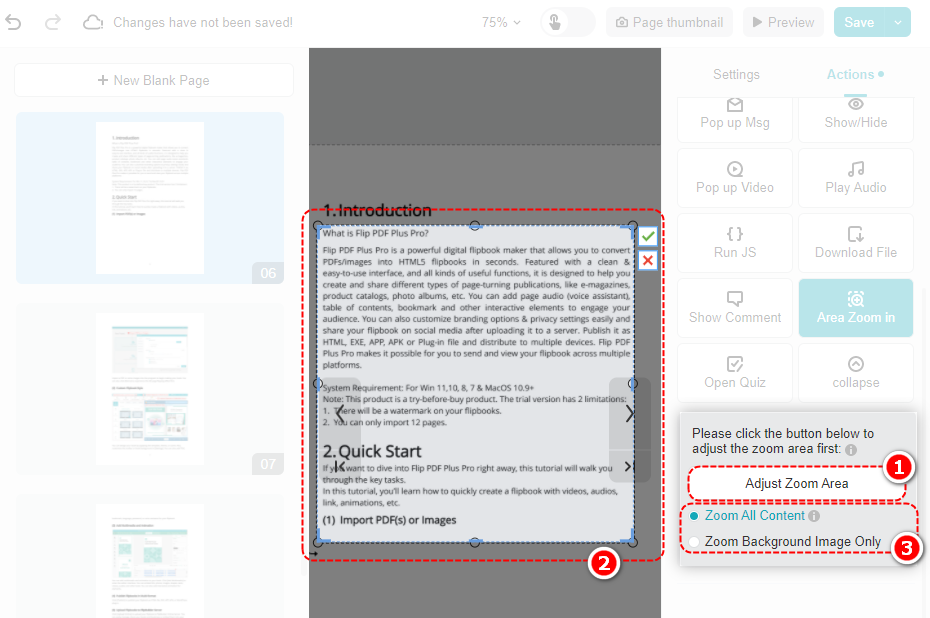
クリック [ズームエリアの調整] > キャンバス上のズームエリアフレームを調整し、[✓]をクリック > 選択 [すべてのコンテンツを拡大] また [Zoom背景画像のみ]
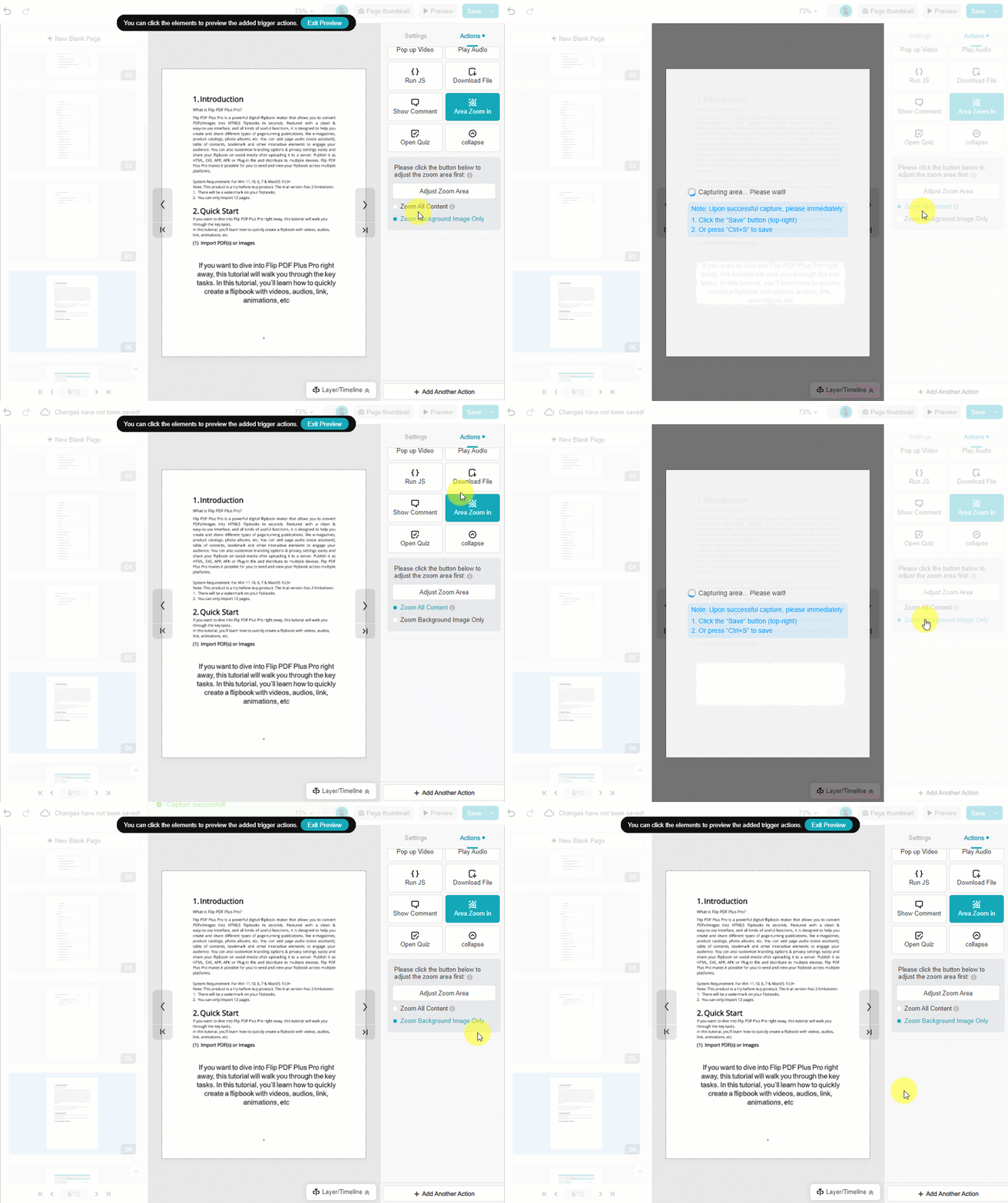
- [すべてのコンテンツを拡大]: Zoom the captured area and see all the content of this area
- [Zoom背景画像のみ]: Only zoom and show the background of the captured area
それらの違いは次のとおりです。
ノート:
- 以下の要素は追加をサポートしていません [エリア拡大] アクション: オーディオ、ビデオ、電話、サードパーティの埋め込み、画像フレーム。
- ページコンテンツが更新された場合は、最新のコンテンツと同期するように領域を再調整してください。
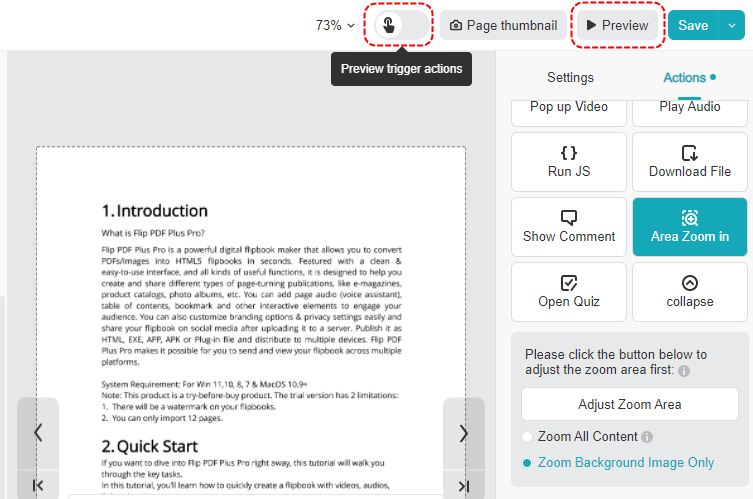
設定後、開くことができます [プレビュートリガーアクション] またはをクリックします 【プレビュー】 効果を確認します。